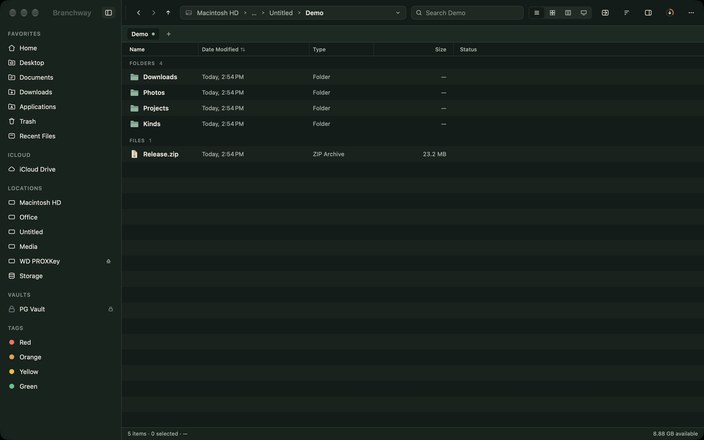
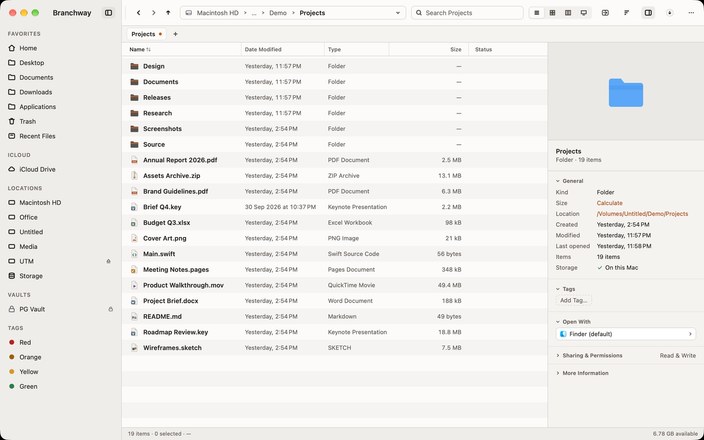
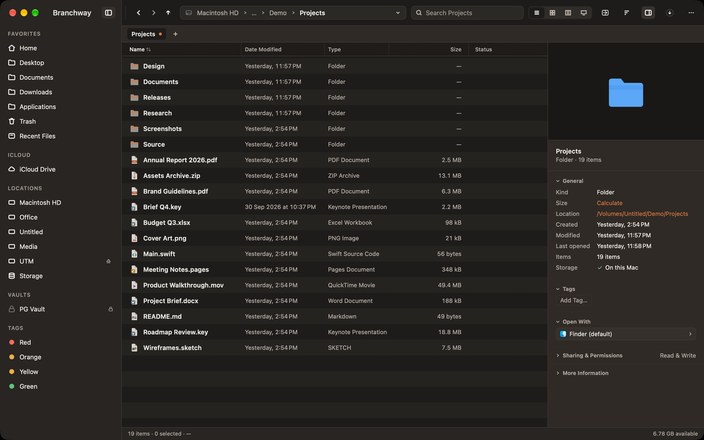
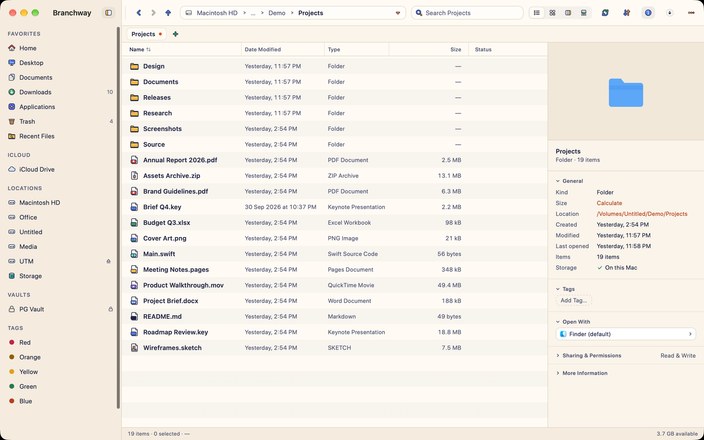
01Is Branchway a Finder replacement?
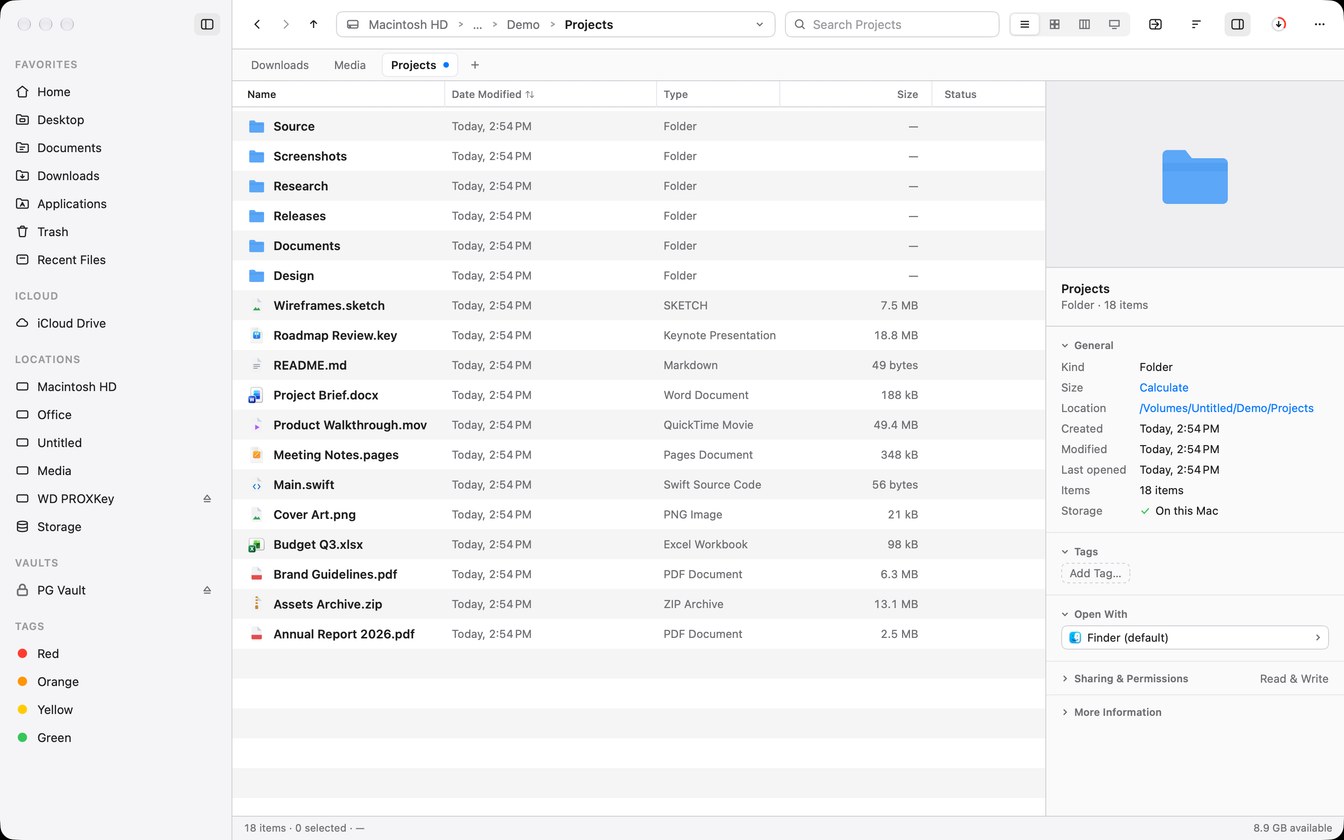
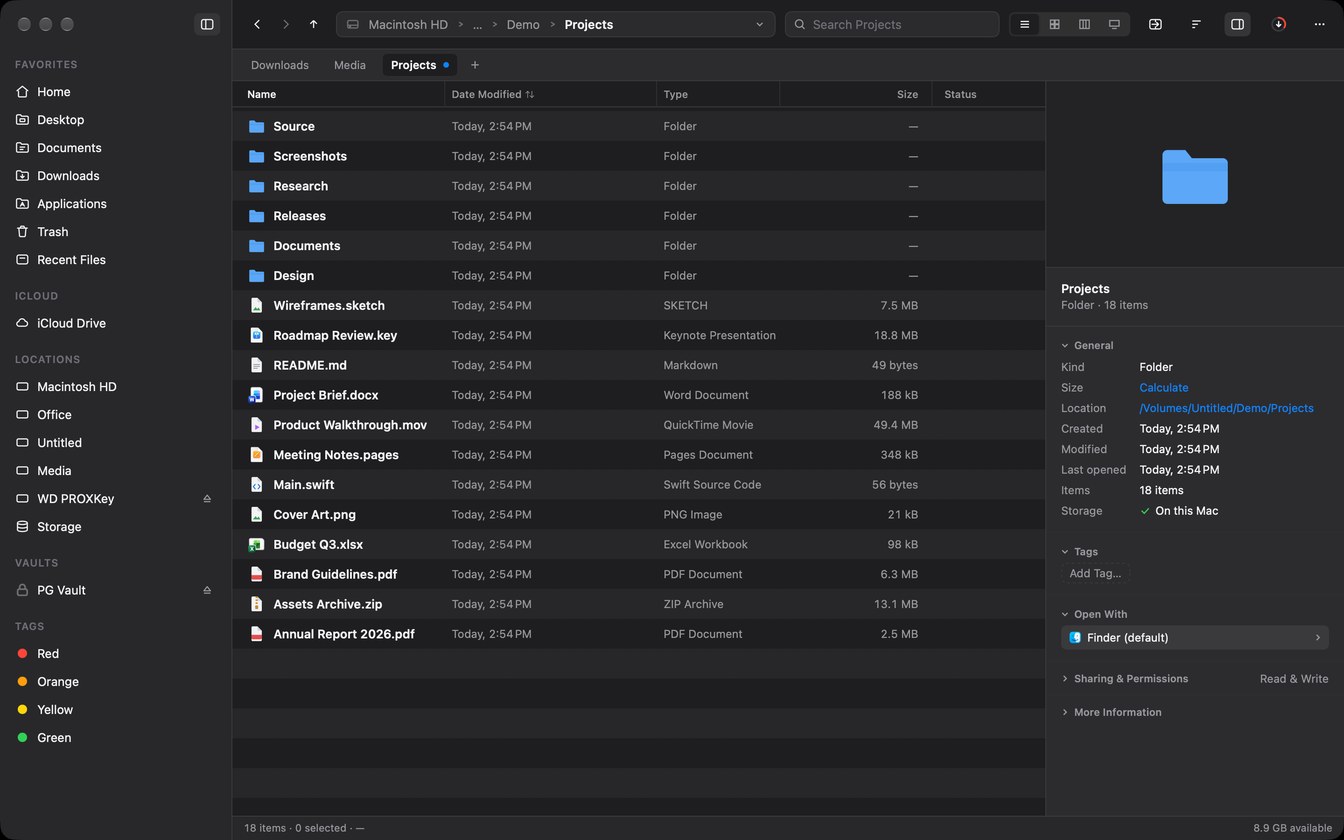
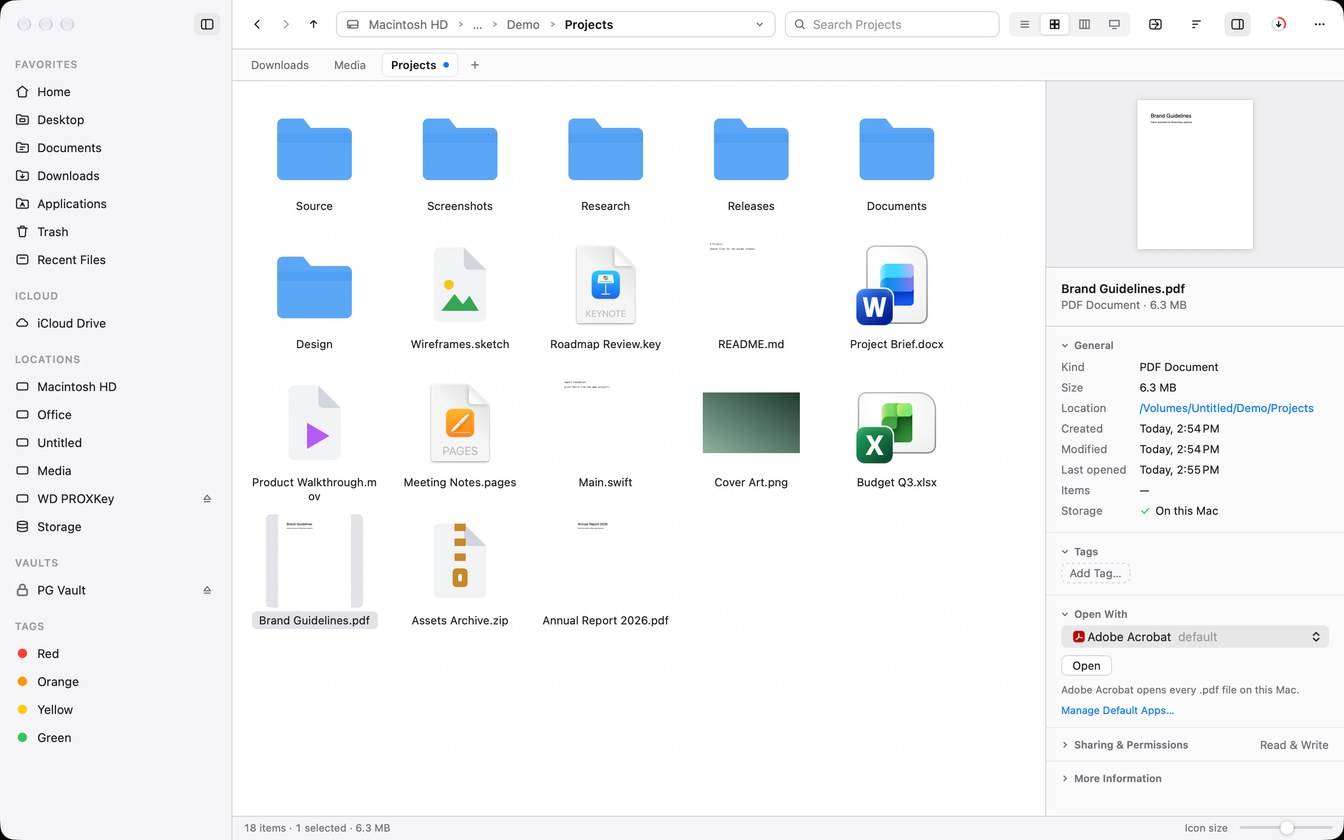
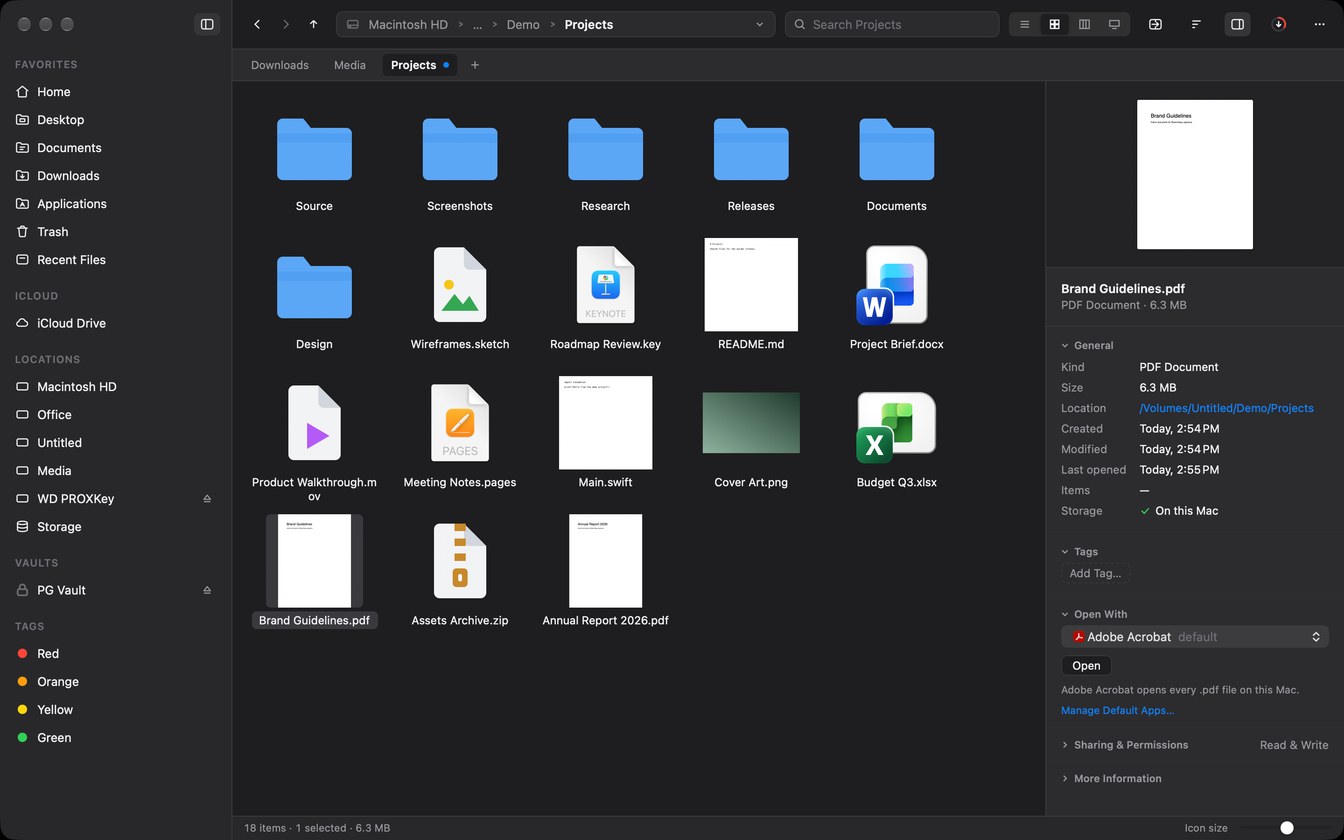
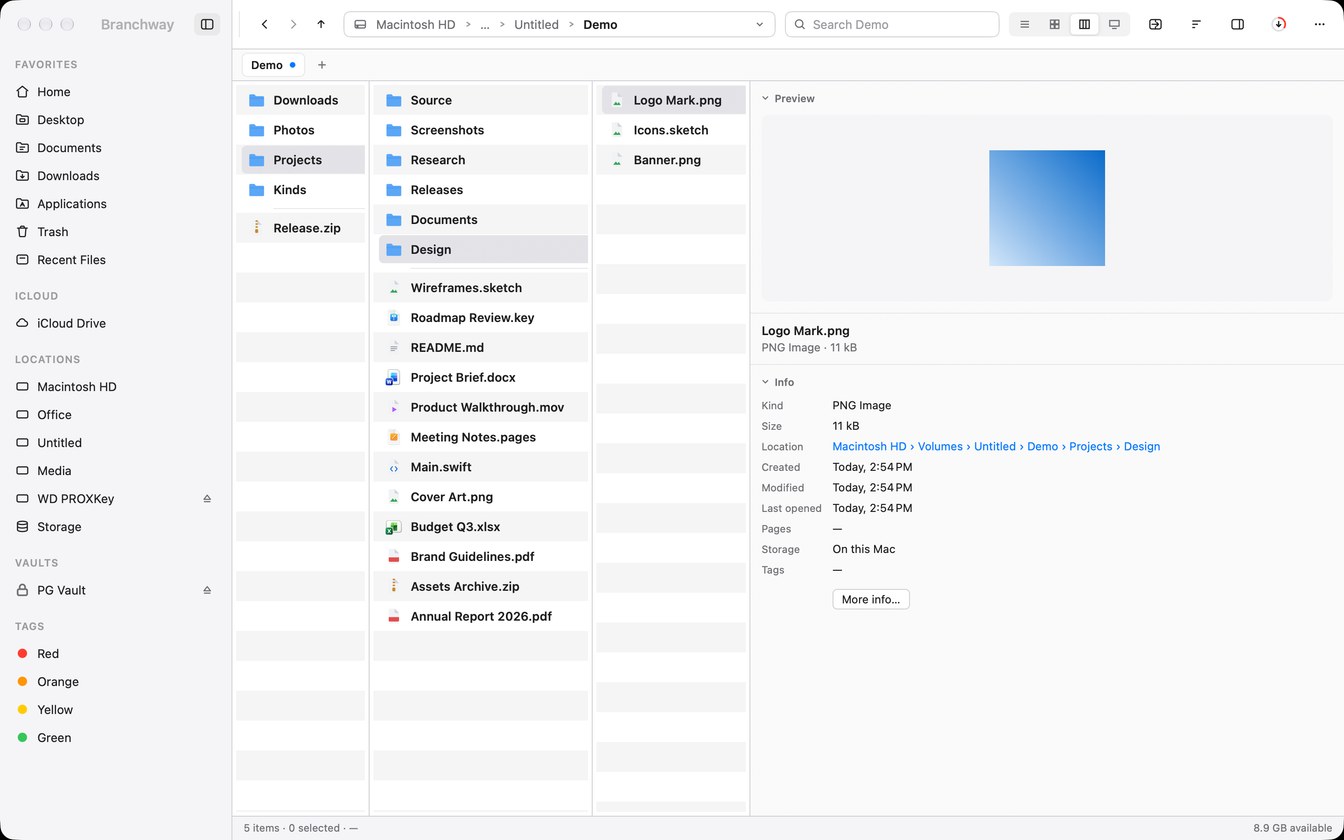
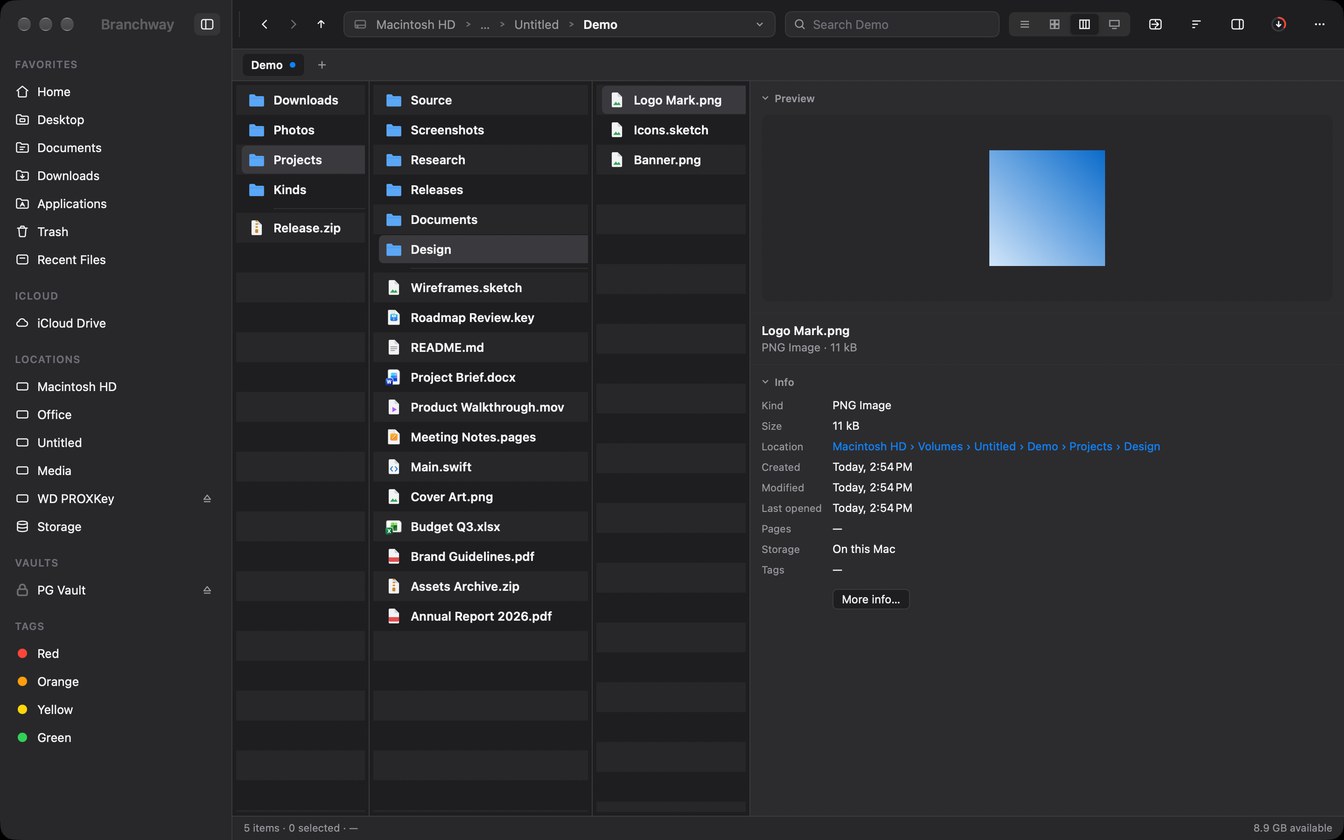
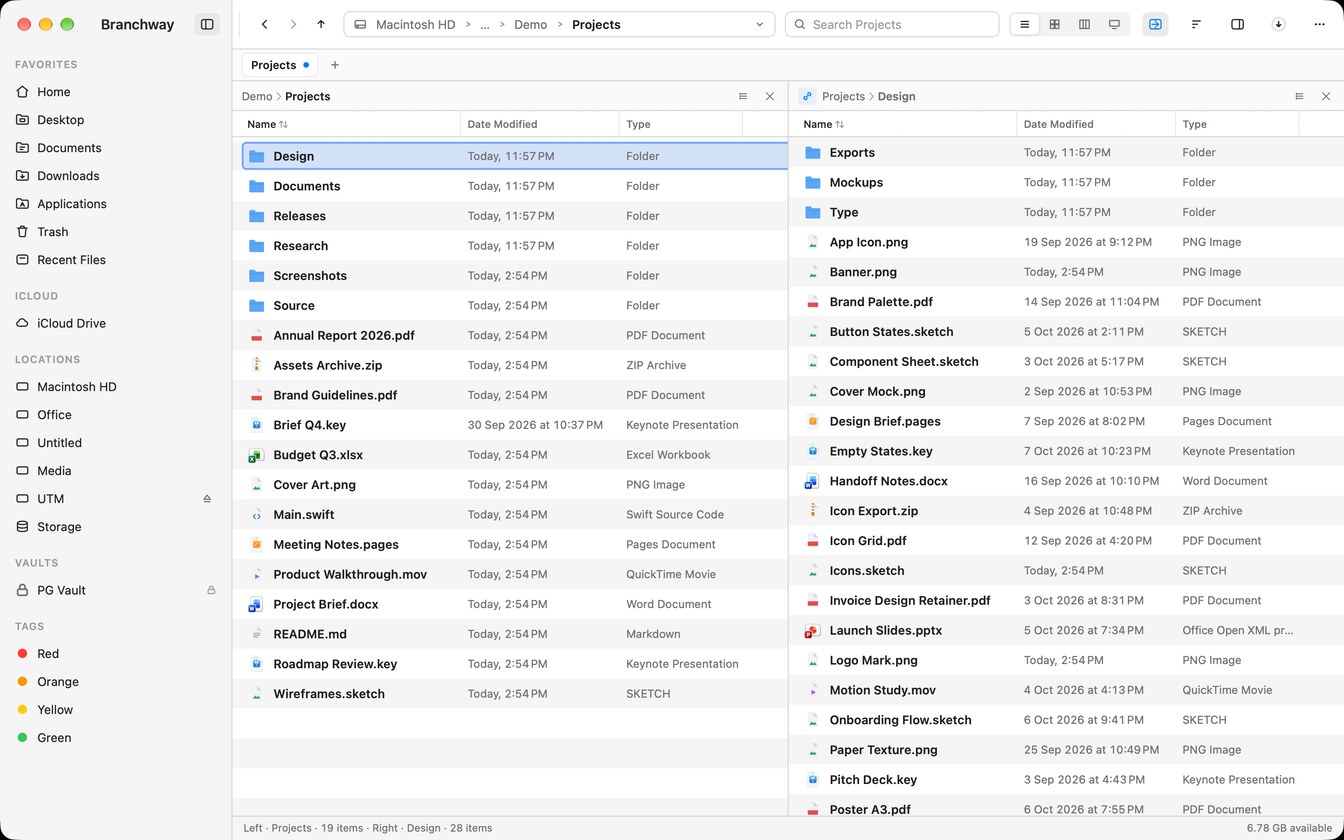
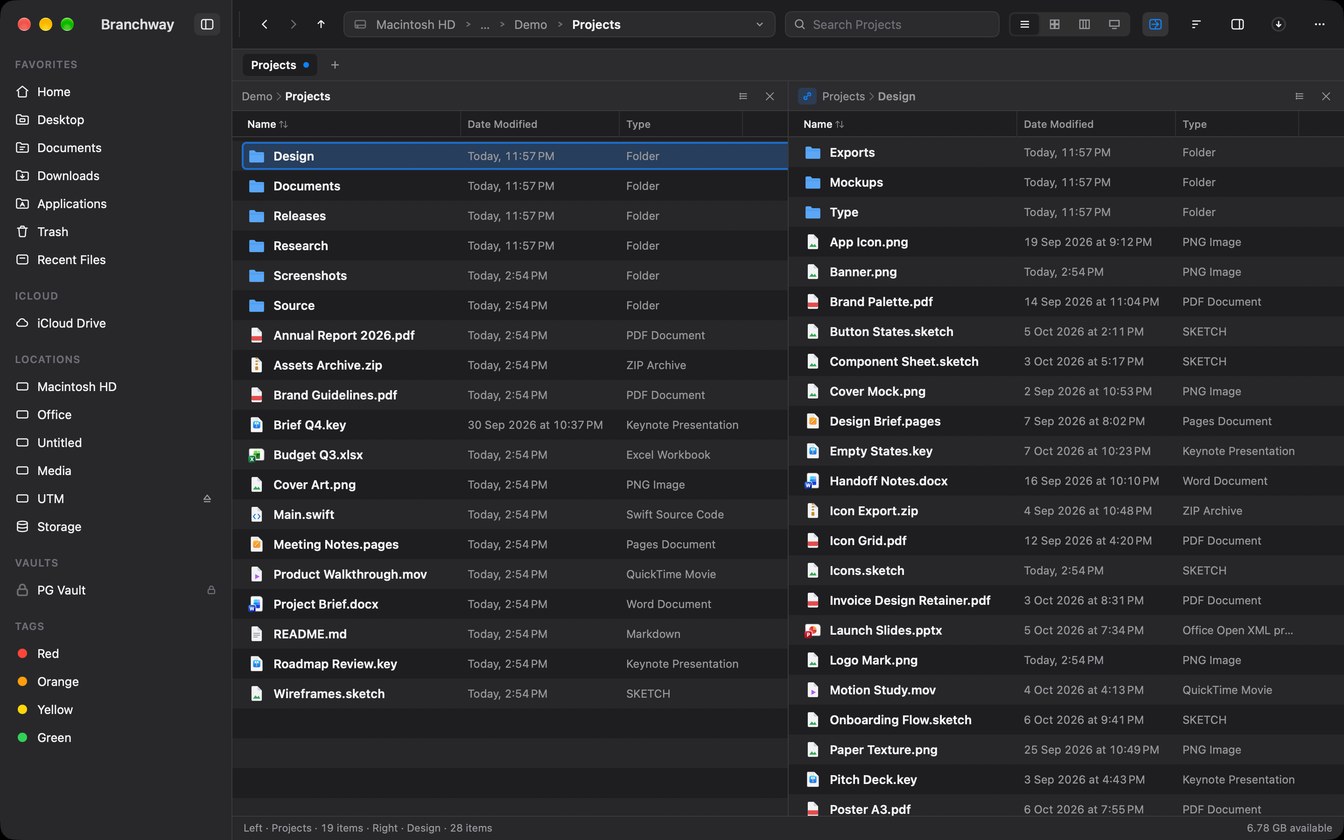
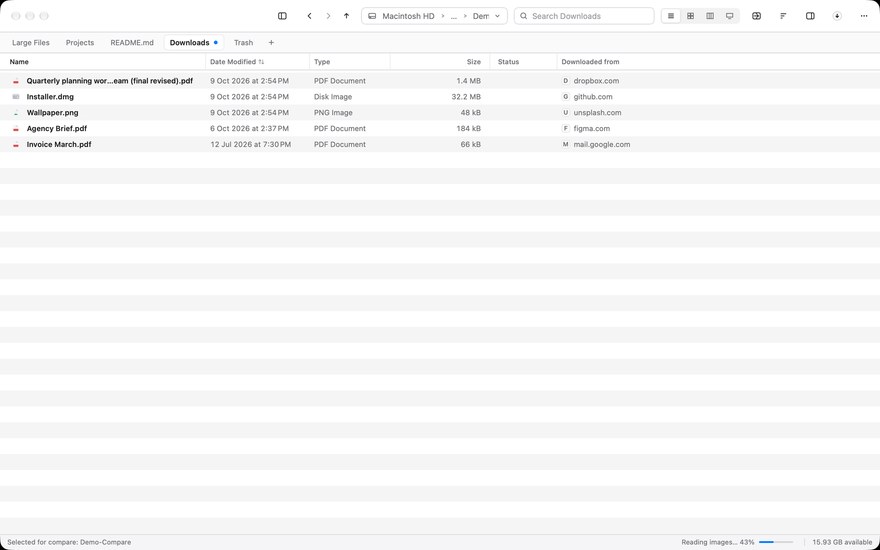
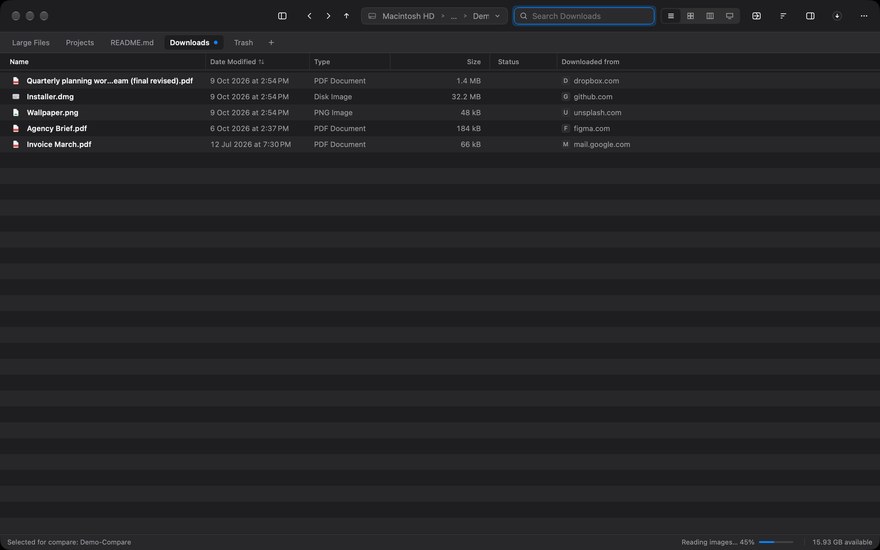
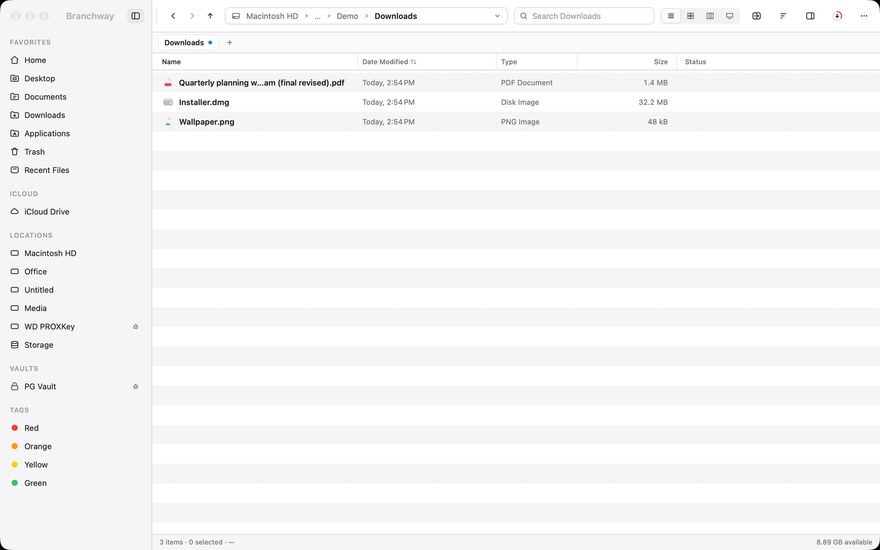
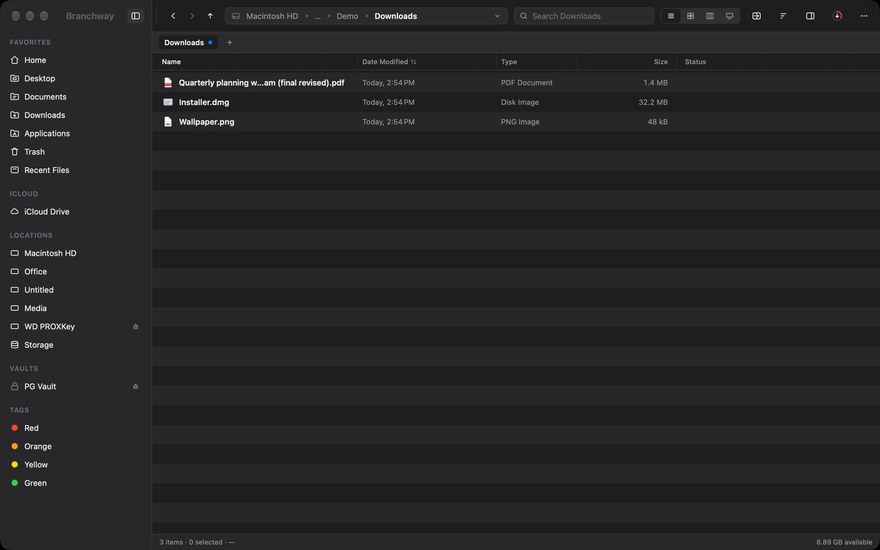
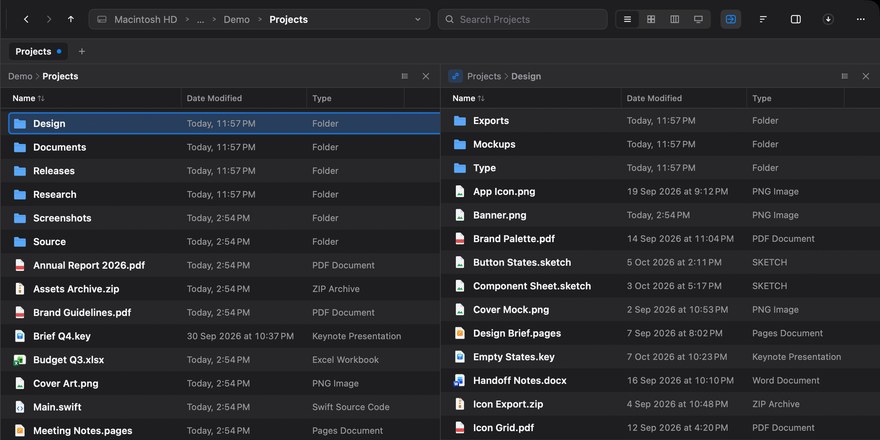
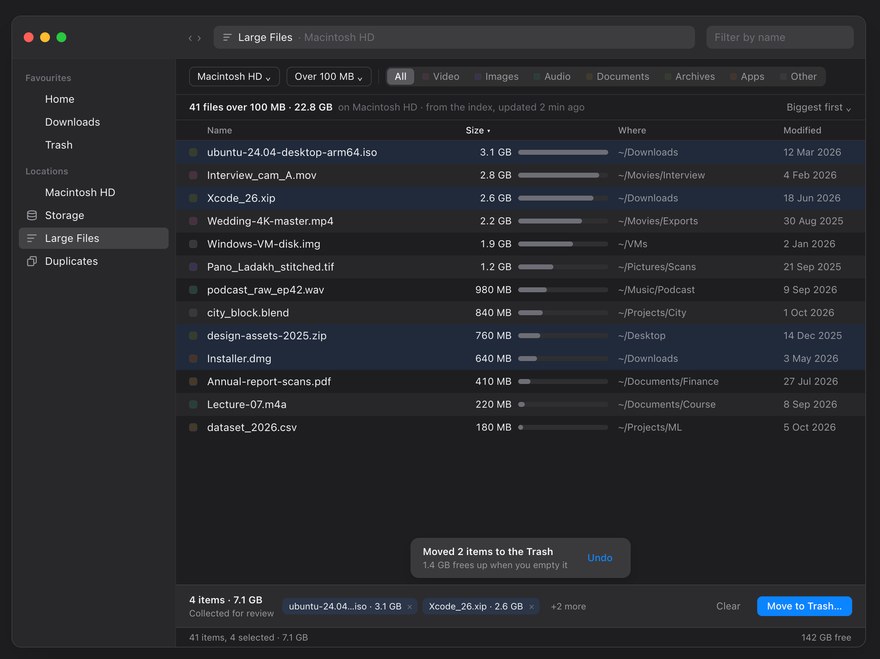
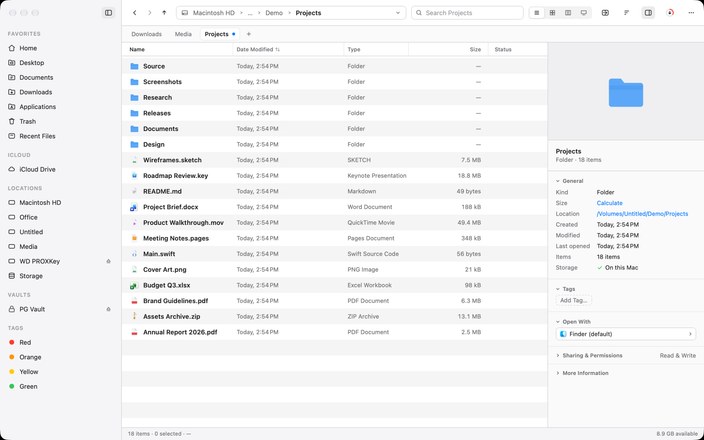
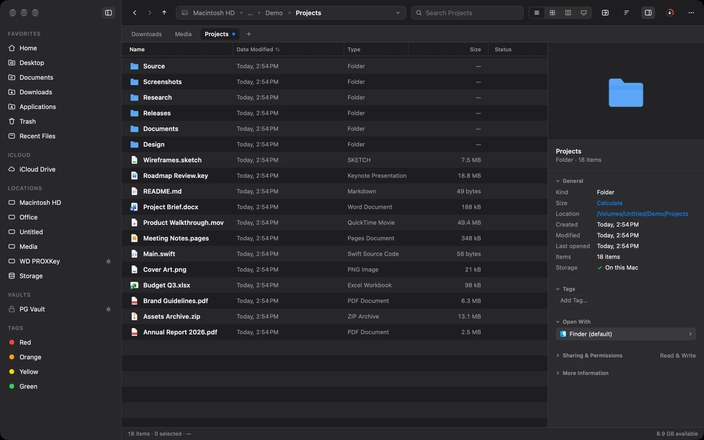
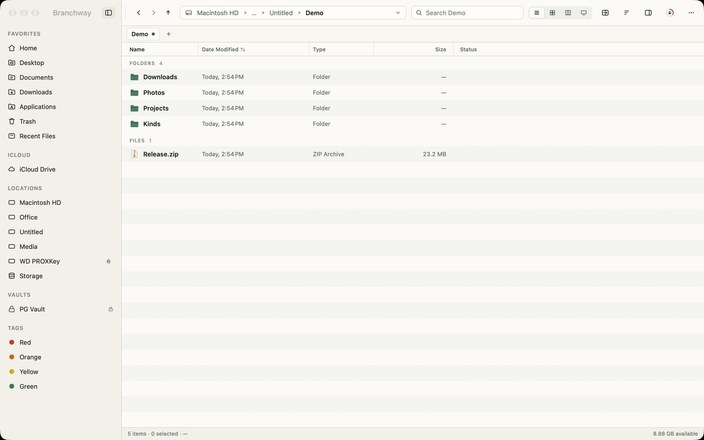
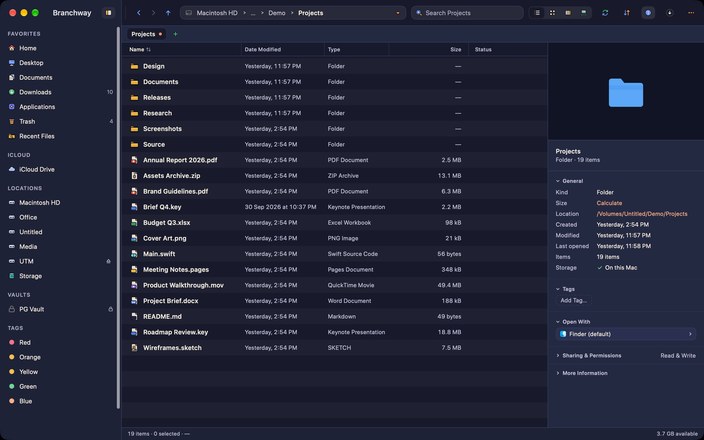
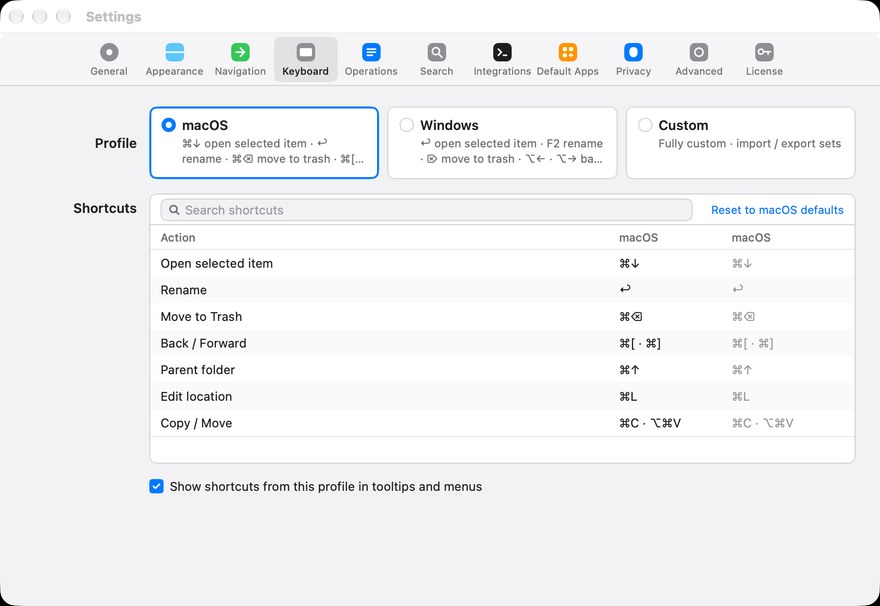
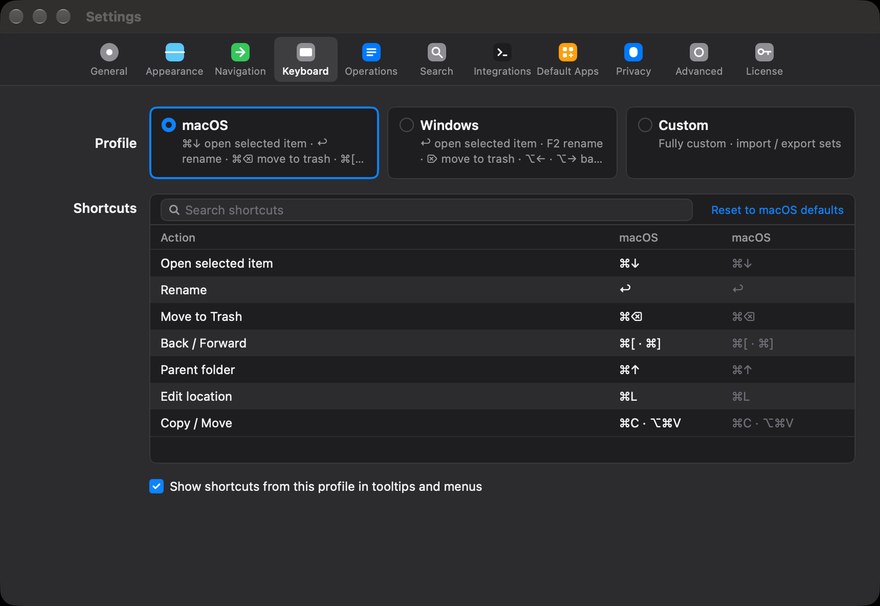
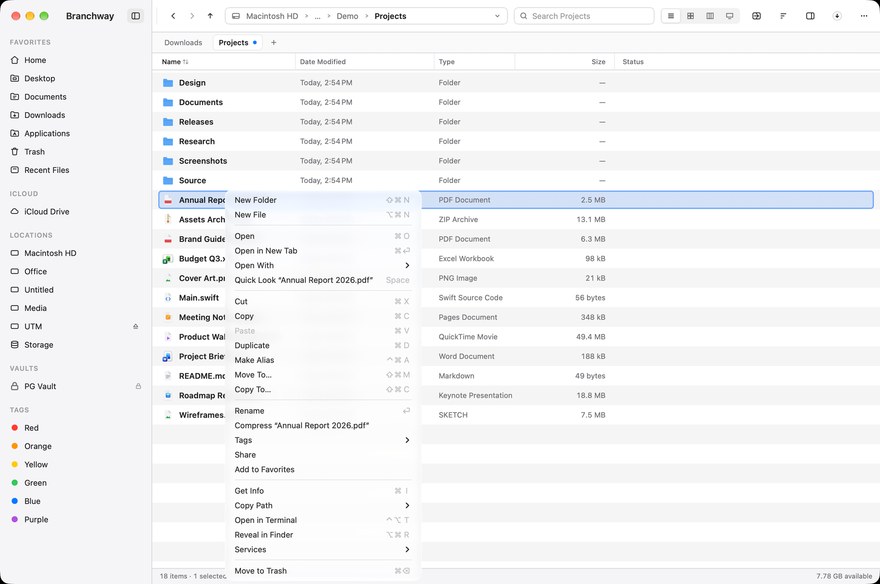
Branchway is a Finder alternative, and Finder stays on your Mac. Reveal in Finder (⌥⌘R) takes you to Finder whenever you want it, and you can make Branchway the default file viewer in Settings.
02How much does Branchway cost?
Branchway is on sale now. Try it free for 14 days, then buy a license: a one-time purchase with no subscription. Launch prices are $19 for 1 Mac, $29 for 2 Macs, $39 for 3 Macs, against regular prices of $29 for 1 Mac, $45 for 2 Macs, $59 for 3 Macs. Every Branchway 1.x update is included.
03How does the free trial work?
Download Branchway and use every feature for 14 days. No account, no card, nothing to cancel. If you need more time, you can extend the trial once by 7 days. When you buy a license, you receive a license key (it is on your order confirmation page and in the customer portal), and entering it turns the trial into the full app, with nothing to reinstall.
04What stops working after the trial?
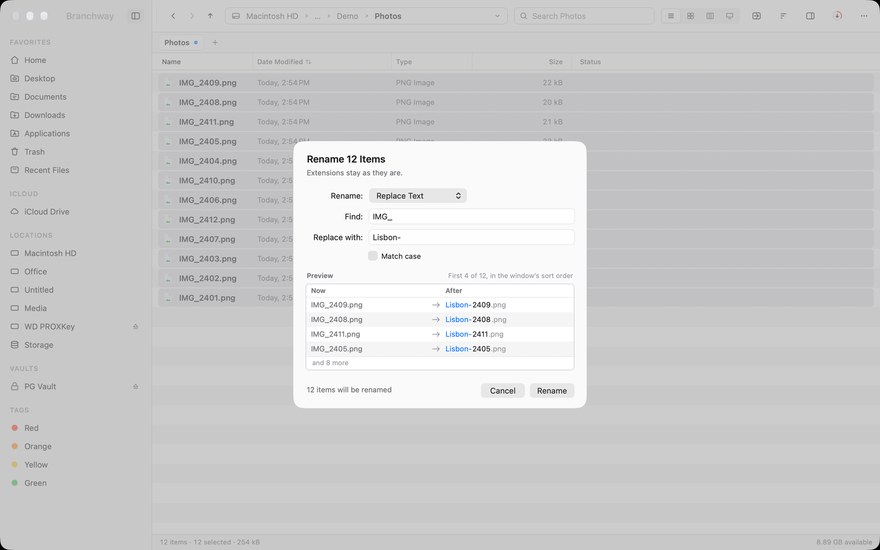
Only editing. You can still browse, search and preview your files for free. Moving, renaming, deleting and creating files needs a license.
05How many Macs can I use it on?
Choose a license for 1, 2 or 3 Macs. One key covers the number of Macs you buy. Enter the same email and key on each Mac.
06Are updates included?
Every Branchway 1.x update is included. A future major version would be a separate, optional upgrade. Your version keeps working.
07Can I get a refund?
Yes. You can ask within 14 days of buying for a full refund. See our refund policy for how to get in touch.
08Does it run on Intel Macs?
Yes. Branchway runs natively on Apple silicon and Intel Macs with macOS 14 or later.
09Does search work with Spotlight off?
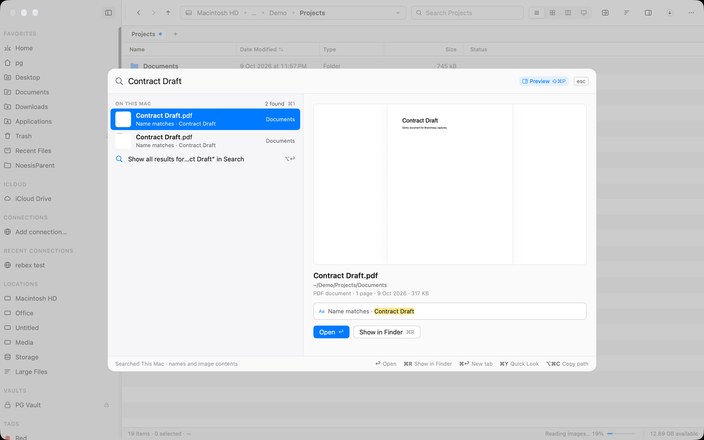
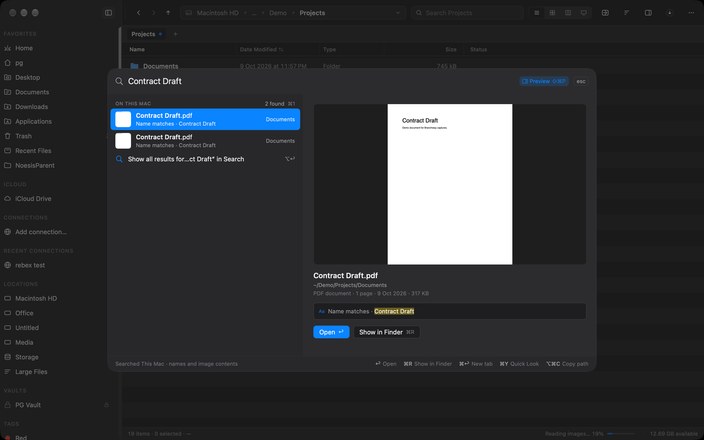
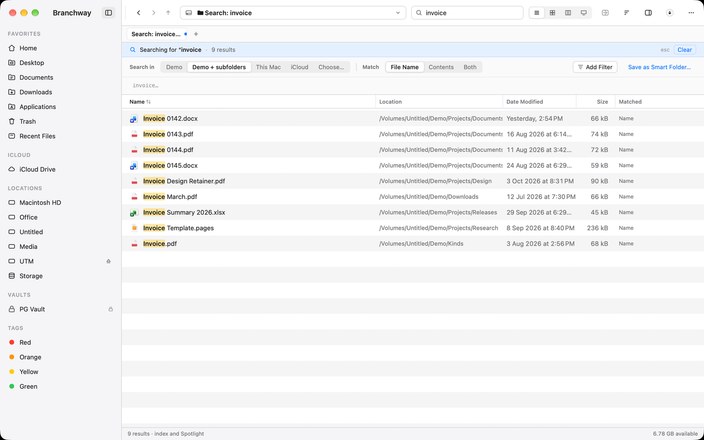
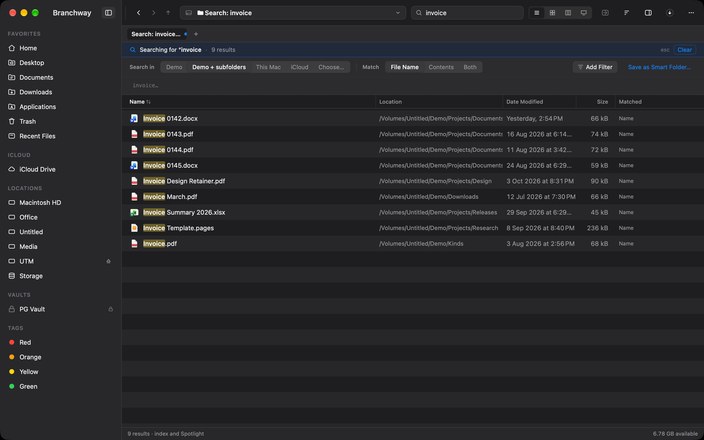
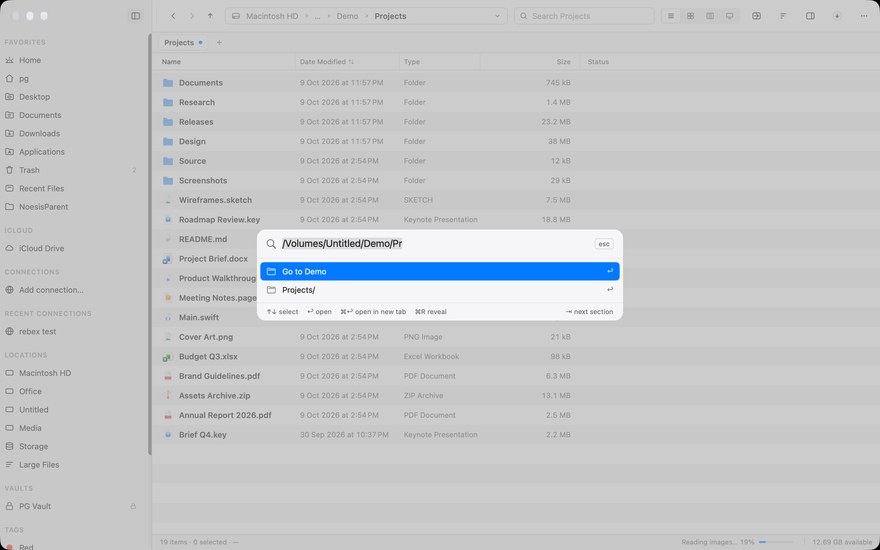
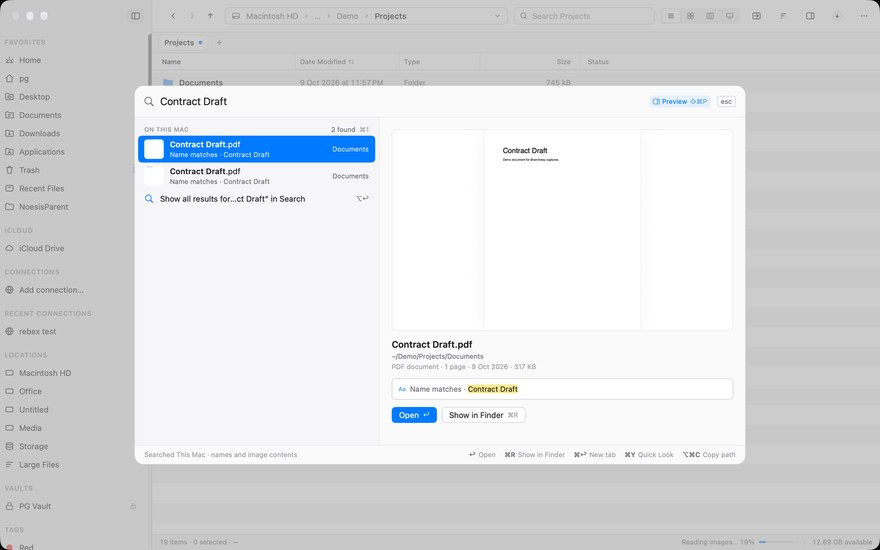
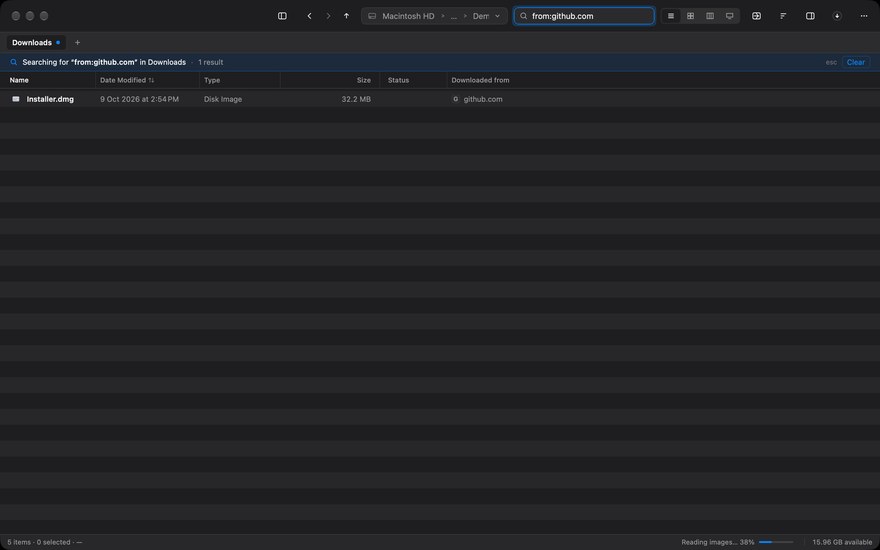
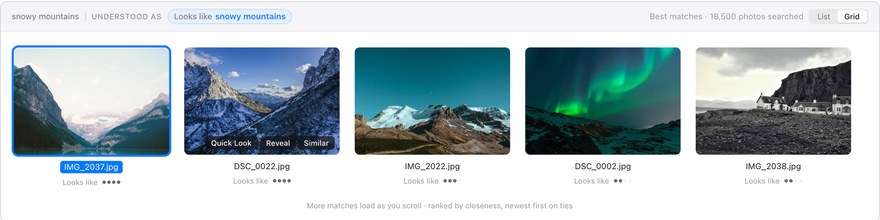
Yes. Branchway keeps its own index of file names for each volume, including external drives, and stores it on your Mac. When Spotlight is on, its results are merged in. Without the optional Smarter photo search model, searching inside documents still goes through Spotlight. Text and objects in pictures can be indexed on your Mac too, if you turn that on in Settings. With the model installed (Apple silicon, macOS 15 or later), a plain sentence also finds sentences inside documents and moments inside videos.
10Do I need a Microsoft account for OneDrive?
Not in Branchway. If OneDrive is already set up on your Mac, its folder appears in the sidebar by itself, with download status, View Online and Copy Web Link. Branchway never asks you to sign in.
11Can it open “Show in Finder” links?
Yes. Make Branchway your default file viewer in Settings, and Show in Finder from other apps, AirDrop and Safari downloads opens in Branchway. Reveal in Finder (⌥⌘R) still takes you to Finder whenever you want it.
12What leaves my Mac?
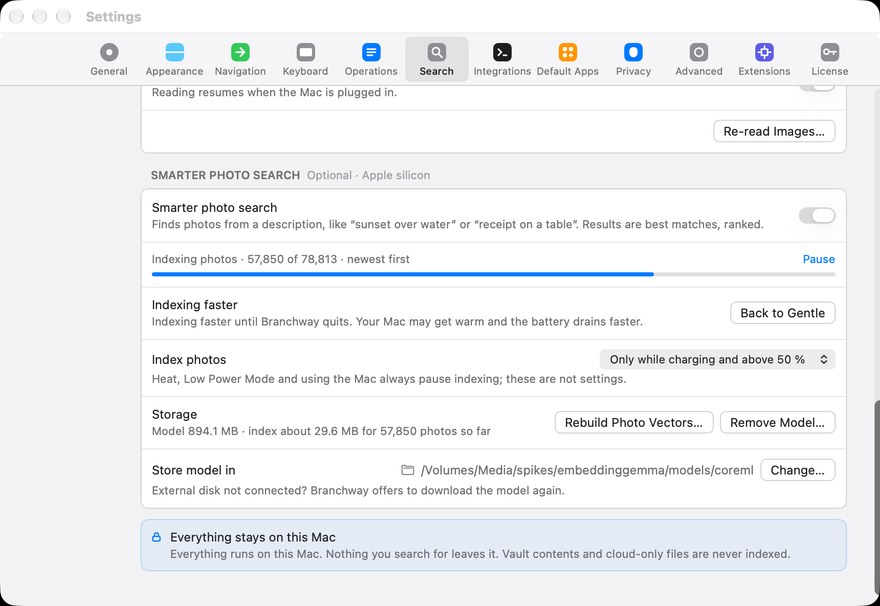
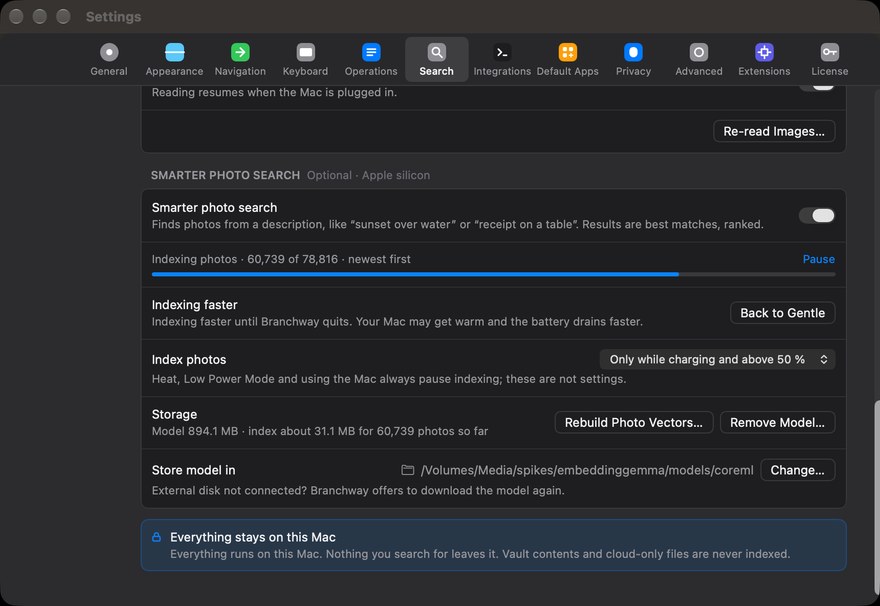
Your files and your search index stay on it. Branchway checks for updates and asks before installing one, and it contacts the license server when you activate. There are no analytics. The optional Smarter photo search model is a one-time download hosted by Evenpine; once it is installed, it runs on your Mac and your photos, documents, videos and searches stay there.